Captain Totie – A Marketing Concept
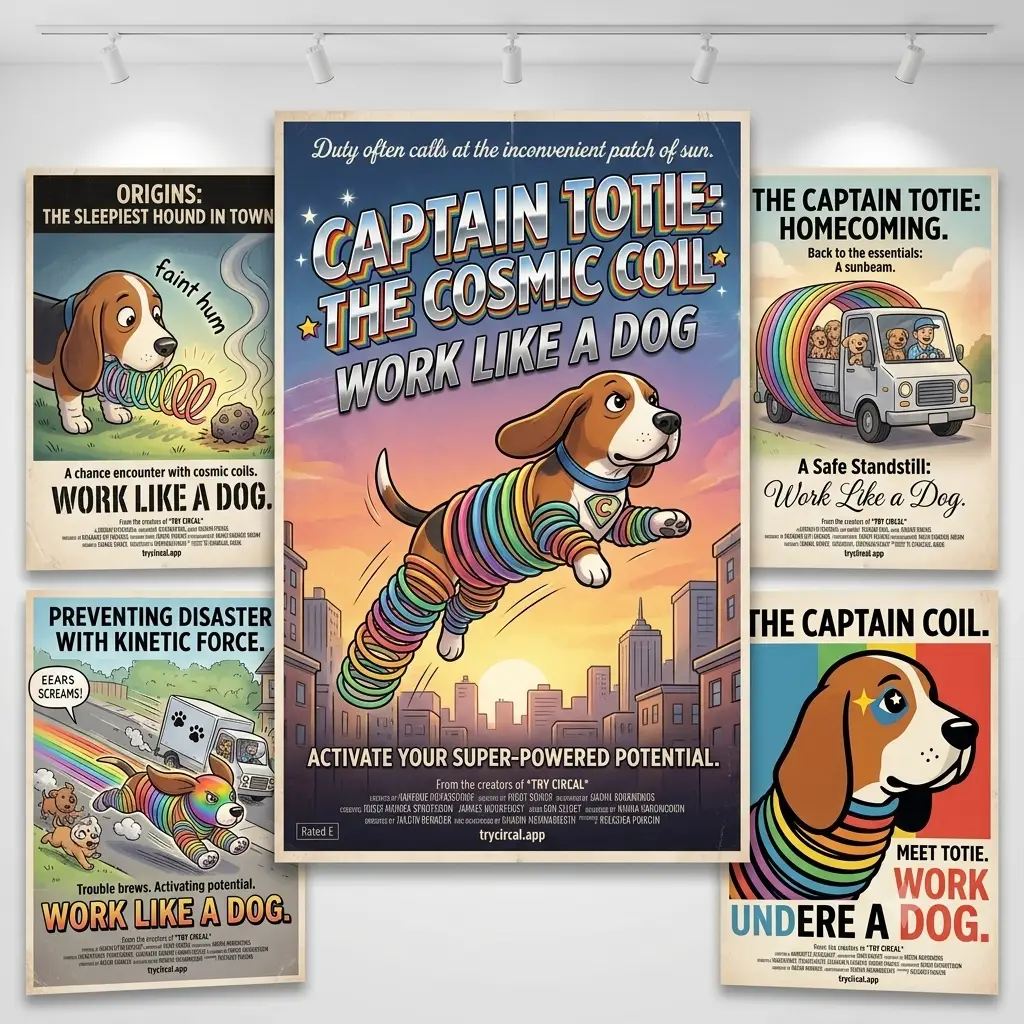
The traditional phrase “working like a dog” evokes images of endless, exhausting grind—putting in continuous hours until your energy is completely depleted. Yet, if you observe an actual dog, their natural behavior is entirely cyclical: they deploy explosive bursts of intense momentum when duty calls, followed immediately by deep, guilt-free recovery in the nearest sunbeam. […]
Why MyCalendone (Circal)?
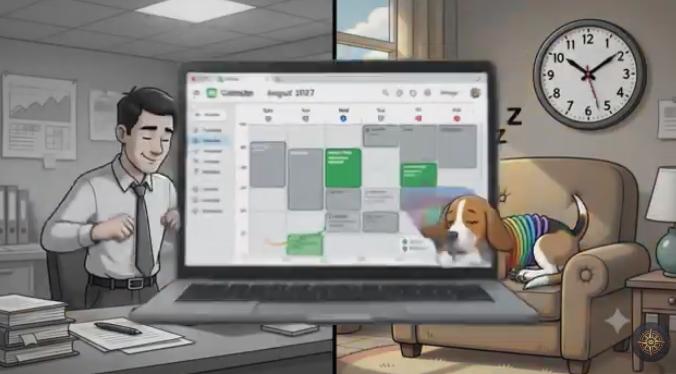
The “Why” — What is the real problem? Most people plan their day without any awareness of how their body will actually feel at the time they’ve scheduled something. A meeting booked for 2pm on a Tuesday sounds neutral on paper, but if your circadian rhythm produces a deep post-lunch trough at that hour, you […]
Name Change from MyCalendone to Circal
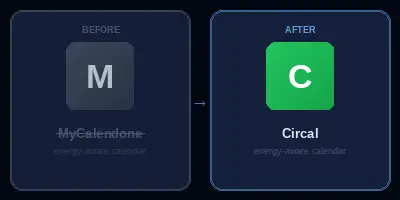
The Dev Name Problem Most products start with a working title — something functional, descriptive, and unmemorable. Ours was MyCalendone. “MyCalendone” = “My Calendar” + “Done” It was never a brand; it was a placeholder. The problem is that placeholders have a way of sticking around past their welcome, showing up in browser tabs, OAuth […]
MyDigitally App – Audit your Digital Assets
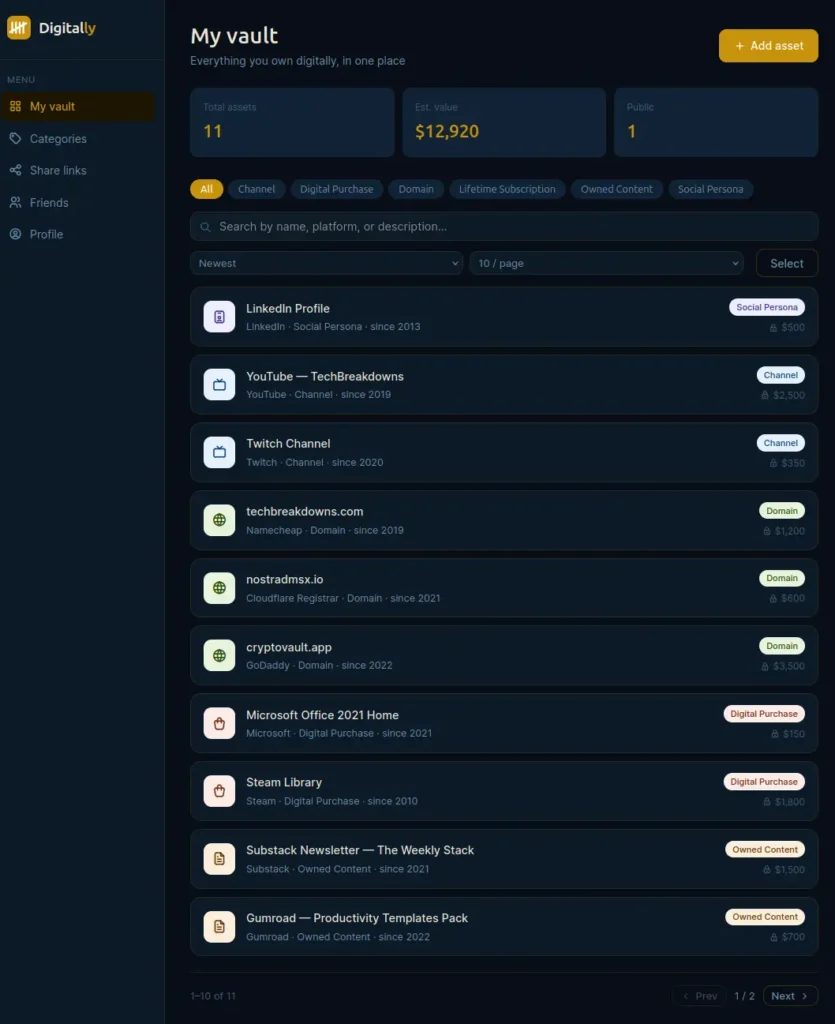
Building MyDigitally: The Journey to Protecting Our Digital Legacies We spend years building our lives online. We buy domain names, accumulate thousands of dollars in gaming libraries, grow monetized YouTube channels, and pay for lifetime software subscriptions. Yet, if you look at a standard bank statement or a traditional physical will, none of these […]
Claude Code Tricks: Resume Any Claude Code Session in One Command — Automatically
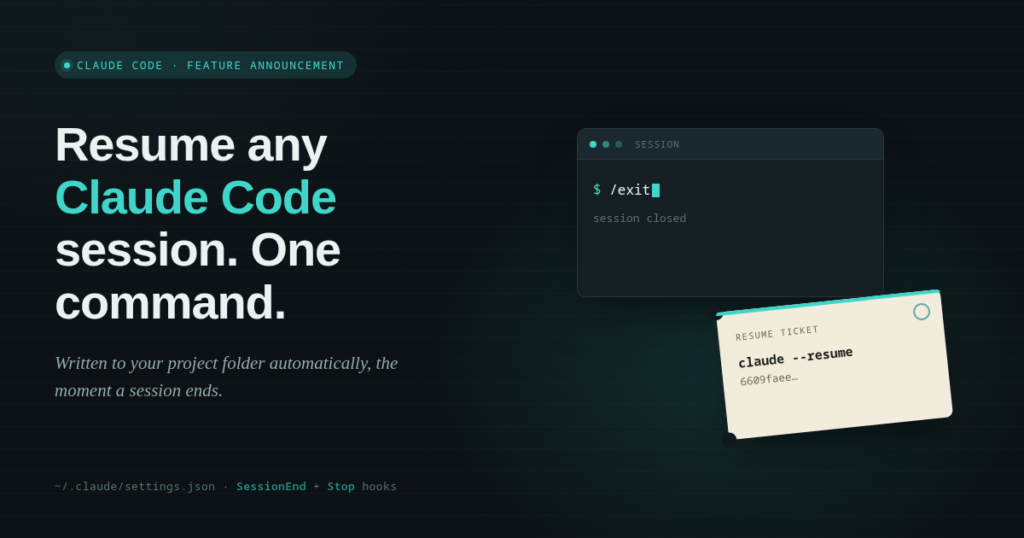
You’ve been deep in a Claude Code session for an hour, you close the terminal, and twenty minutes later you need to get back into that exact conversation. So you dig through claude –resume history, squint at a list of session IDs with no context, and hope you pick the right one. It’s a small tax, but it’s one you pay every single day.
Here’s the fix: a two-line hook that writes the exact resume command to a file in your project directory the moment your session ends — whether you typed /exit or just let it wrap up naturally.
How to Add a Synced Voiceover to Any Video (Free, No Editor Required)
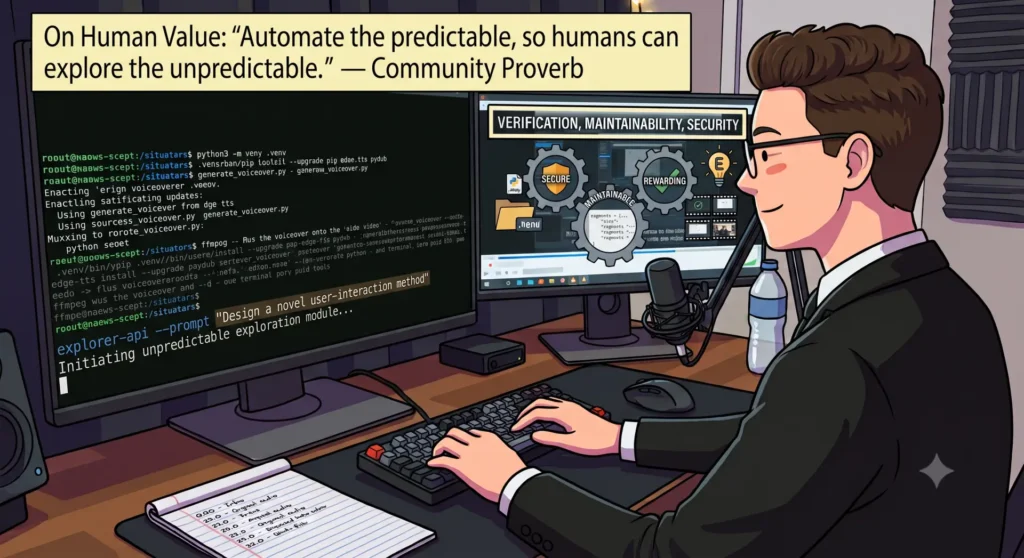
You’ve got a video with no narration and a script you want timed to specific moments on screen. Here’s the whole path from nothing to a finished, muxed file — one terminal, zero paid tools.
Each step below is short on purpose, so the overall shape of the job stays easy to follow start to finish. If a step has a More info toggle under it, that’s where the deeper explanation lives — why the command is shaped the way it is, what the flags actually do, and the couple of gotchas that’ll cost you real time if you don’t know they exist. You don’t need to open any of them to finish the tutorial. Open them if you want to actually understand the tools instead of just running them.
Vibe Coding Didn’t Replace the Job. It Just Moved Where the Real Work Is.
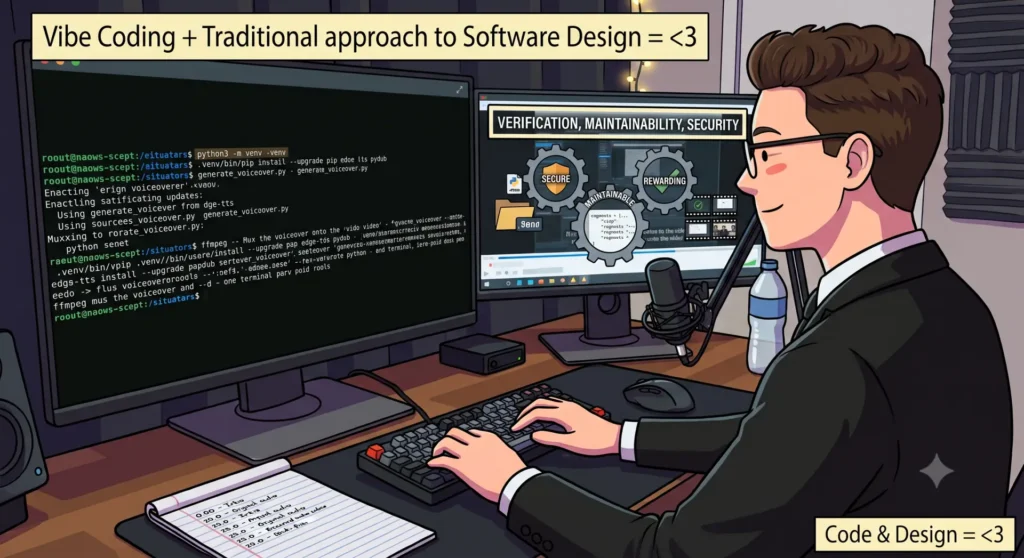
I had a demo video with no narration and a stack of AI tools that could hand me a working script in about the time it takes to make coffee. I used them. I’m not going to pretend otherwise, and I’m not going to apologize for it either — that would be its own kind of dishonesty, and I’ve got no patience left for either the “AI wrote my whole app” victory laps or the “real programmers don’t need that” gatekeeping. Both are posturing. Neither describes how the work actually got done.